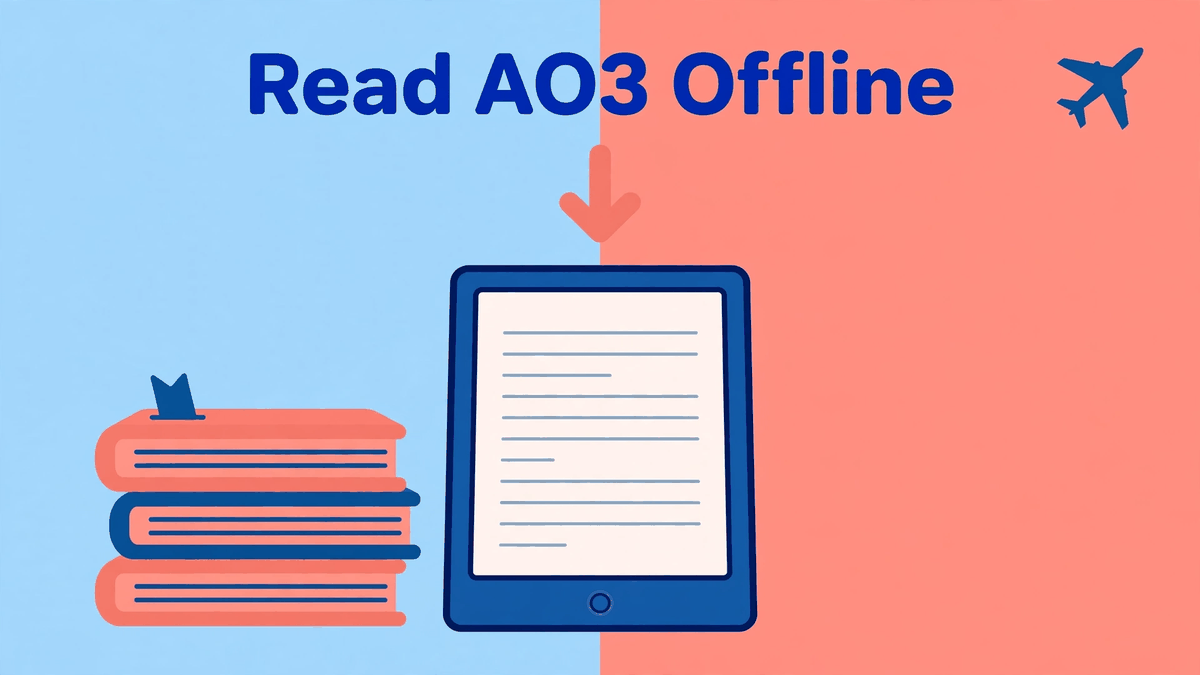
You do not need an internet connection to read AO3 — you just need to grab the story before you lose the connection. AO3 has a built-in Download button on every work, and it hands you the whole thing as a file: EPUB, AZW3, MOBI, PDF or HTML. Save a few works before a flight or a trip, open them in an e-reader app, and read anywhere. No account sharing, no third-party reader app, no risk.
This is also the safest answer to the app question. Since there is no official app (our post is there an official AO3 app covers that in full), downloads plus a trusted e-reader app give you the app-like reading experience without handing your password to anyone.
How to download a work from AO3
- Open the work on archiveofourown.org in your browser. You do not need to be logged in for most works, though some are restricted to registered users.
- Look at the top of the work page. There is a Download button in the row of options above the title area.
- Tap or click Download and choose your format: AZW3, EPUB, MOBI, PDF or HTML.
- Wait a few seconds. AO3 builds the file on the spot — a long fic can take a little longer — and your browser saves it.
- For a multi-chapter work, the file contains the whole work, all chapters in order. You do not need to download chapter by chapter.
One practical tip: download while you are on Wi-Fi if the fic is huge. A 300,000-word EPUB is still small, but a stack of them plus a PDF habit adds up on a data plan. If you read on your phone most days, set up the home-screen shortcut too, so the live site is one tap away when you do have signal.
Which format should you pick?
EPUB is the default choice for most people. It opens in Apple Books on iPhone and iPad, in Google Play Books on Android, and in almost every e-reader app and device except older Kindles. Text reflows to fit your screen, and you can change font size freely.
AZW3 is Amazon's format. Pick it for a Kindle device or the Kindle app — it handles chapter breaks and formatting well. Send the file to your Kindle with Amazon's Send to Kindle page or a USB cable.
MOBI is the older Kindle format. Only choose it for an old e-reader that does not accept AZW3 or EPUB. Newer devices do not need it.
PDF keeps the page layout fixed. It is handy for printing or for works with unusual formatting, but on a small phone screen you will pinch and zoom a lot. On a tablet it is fine.
HTML saves the work as a single web page file. It opens in any browser with no connection at all, which makes it a good backup format. It is plain, but it never fails to open.
Reading the files: which app for which format
- iPhone and iPad: Apple Books opens EPUB and PDF. Save the file from Safari, tap Share, and choose Books — or open the Files app and tap the EPUB.
- Android: Google Play Books opens EPUB and PDF after you upload them (the app has an uploads option in settings). Moon+ Reader opens EPUB, MOBI and HTML and gives you deep control over fonts, margins and night mode.
- Kindle: use AZW3. The Kindle app on phones also opens files sent through Send to Kindle, and they sync your place across devices.
- Computer: any of these formats opens easily — EPUB in Apple Books or a free reader, PDF anywhere, HTML in your browser.
All of these apps hold your place, let you bump the text size at 1 a.m., and work in airplane mode. That is everything a reader app promises, from software you already trust, with files AO3 itself generated.
Good habits for offline reading
Download the whole work, not chapter pages saved one by one — the built-in file keeps chapter order and author notes in place. Keep a small "to read offline" folder in your files app or e-reader library, and clear out finished works now and then so the good ones are easy to find. And be decent about the files: they are for your own reading. Do not re-upload someone else's fic to other sites or share the files around as if they were yours to distribute — link people to the work on AO3 instead, where the author gets the hits and the kudos.
One last note. Downloads need AO3 to be up when you grab them. During the outage that began with the security incident on 29 October 2026, nothing could be downloaded until the site returned on 15 November 2026 — one more reason to keep a few favorites saved ahead of time. Readers who had done that kept reading right through it. Our download page has the safety warnings about fake app files, if you want the full picture.