
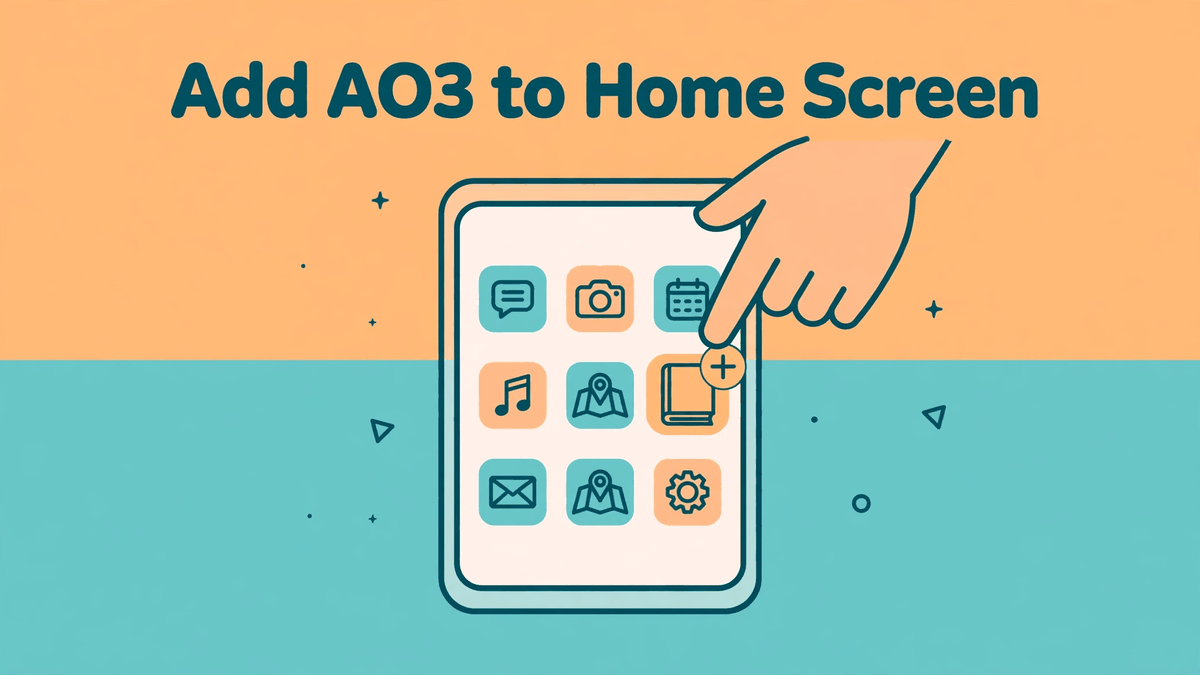
Since there is no official AO3 app, the home-screen shortcut is the setup most phone readers end up using — and honestly, it is better than most apps. You get an AO3 icon beside your other apps, the site opens full screen with no browser bars, and your login stays saved in your browser. Setup takes about a minute. Here are the exact steps for Android and iPhone, plus fixes for the few ways it can go sideways.
If you landed here first and want the background, our post answering is there an official AO3 app explains why the shortcut is the official route the OTW points readers to.
Android: add AO3 in Chrome
- Open Chrome and go to archiveofourown.org.
- Log in first if you use bookmarks, subscriptions or your history. The shortcut keeps whatever the browser has saved.
- Tap the three dots in the top right corner of Chrome.
- Tap "Add to Home screen." On newer Chrome versions the menu may offer "Install app" instead — for a website like AO3 both options create the same kind of shortcut.
- A small preview appears with the name field. Type AO3, or keep the suggested name, then tap Add.
- Android may ask you to confirm placement. Tap "Add to home screen" again, or drag the icon where you want it.
Done. Tap the icon and AO3 opens in its own full-screen window. It behaves like an app because, under the hood, Chrome opens the site in a clean frame without tabs and address bars.
iPhone: add AO3 in Safari
- Open Safari. It has to be Safari — on iPhone, Chrome and other browsers cannot add websites to the home screen. You can still read in any browser; you just create the shortcut from Safari.
- Go to archiveofourown.org and log in if you want your account one tap away.
- Tap the Share button — the square with an arrow pointing up, at the bottom of the screen (on some layouts it sits in the address bar).
- Scroll down the share sheet and tap "Add to Home Screen."
- Name it AO3 and tap Add in the top right corner.
The icon appears on your home screen. Opening it launches AO3 in Safari's full-screen web view, and you stay logged in between visits as long as Safari keeps your cookies.
Make it yours
A few small touches make the shortcut feel like a real app. Open your favorite starting page before you create the shortcut — your subscriptions page, your bookmarks, or a fandom search you check daily. The icon will open that exact page every time. On Android, long-press the icon afterwards: many launchers offer quick actions, and you can also place the icon in a folder with your other reading apps.
Dark mode readers: AO3 itself offers site skins, and a dark skin plus the full-screen shortcut is a kind setup for late-night reading. You set skins on the site while logged in, under your preferences — the shortcut respects whatever the site shows.
When something goes wrong
The icon opens a blank page or an error. Your connection dropped, or AO3 itself is briefly down. Remember the long outage after the security incident on 29 October 2026 — the site returned on 15 November 2026 with limited functionality, and during repairs some pages loaded slowly. A shortcut cannot fix a server problem; wait and try the icon again.
You keep getting logged out. Your browser is clearing cookies. On iPhone, check that Safari is not in Private Browsing mode for the shortcut, and avoid "clear history and website data" unless you mean it. On Android, check Chrome's site settings for archiveofourown.org and allow cookies.
The Add to Home Screen option is missing. On Android, you are probably in a browser other than Chrome, or in an in-app browser inside another app — open the link in full Chrome and the option appears. On iPhone, you must be in Safari, and the Share sheet hides the option until you scroll down.
Pair it with offline reading
The shortcut covers reading with a connection. For flights, commutes through dead zones, or saving data, add the download habit: save works from AO3 as EPUB or another format and open them in an e-reader app. Our offline reading post covers which format suits Kindle, Apple Books and Google Play Books. And if anyone offers you an installer file instead of these steps, skip it — our download page explains why there is no real AO3 file to install.
That is the whole trick. One minute of setup, and your phone treats AO3 like the app it never needed to be.